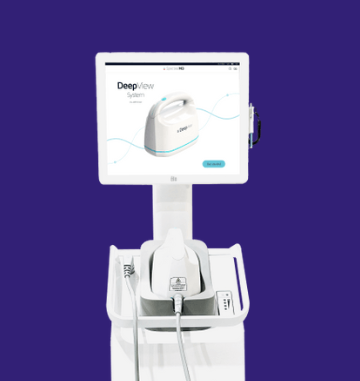
FDA De Novo clearance, a government R&D contract extended through 2028, and deployment at 41 hospitals across the US, UK, and Australia: the result of redesigning how clinicians capture, read, and trust DeepView AI®, Spectral MD’s burn wound imaging system.
DeepView is the hospital system. The handheld built on its imaging core for the point of injury is a separate case study.
My Role
Who did what
Owned end to end
- The redesign of the DeepView software, from workflow mapping to final screens
- The human factors package for the FDA De Novo submission: IFU, formative and summative protocols and reports, URRA and risk analysis, and the HF validation report
- The Figma design system: one component library across 2 platforms and 4 product lines
Set direction, then tested it
- Discovery interviews and hospital field visits
- Formative usability testing, and the design response to every finding
Shared with the team
- Product, engineering, and data science, from prototype to shipped feature to post-launch iteration
- Colleagues ran the summative test sessions, against the protocol I wrote
Colleagues ran the summative sessions. I owned the human factors package that took DeepView through FDA De Novo review.
The Problem
A model that could predict healing, and three reasons not to use it
Judging whether a burn will heal on its own is one of a burn surgeon’s most important calls. Get it wrong one way and the patient has needless surgery; the other way, a longer stay and scarring. Even experienced burn surgeons judge burn depth correctly only 64–76% of the time.1 DeepView’s AI predicts which areas won’t heal, but at the bedside three things stood in the way: seven registration steps before the first image, a report that showed a prediction without saying what it meant, and an empty result that looked exactly like a failed one.
1 Jaskille AD, Shupp JW, Jordan MH, Jeng JC. Critical review of burn depth assessment techniques: Part I. Historical review. J Burn Care Res. 2009;30(6):937–47. doi:10.1097/BCR.0b013e3181c07f21
Field Research
What we learned in the hospitals
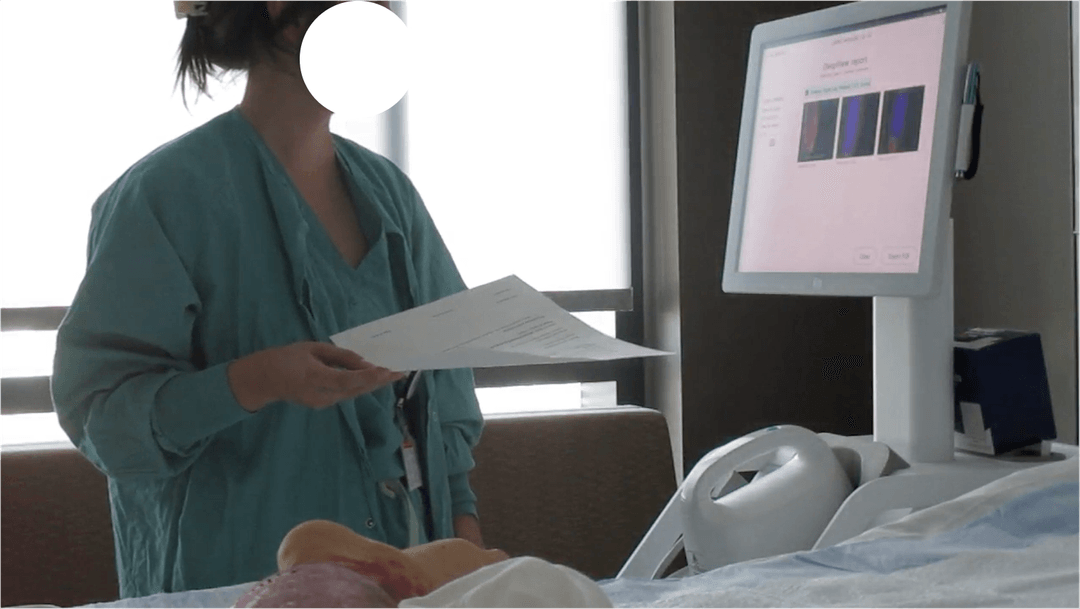
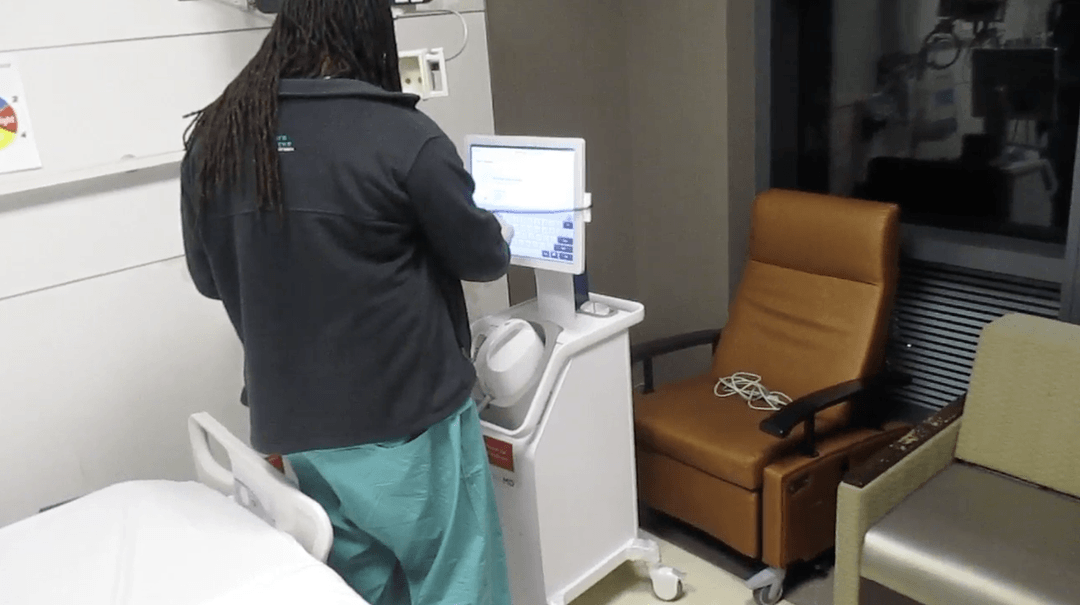
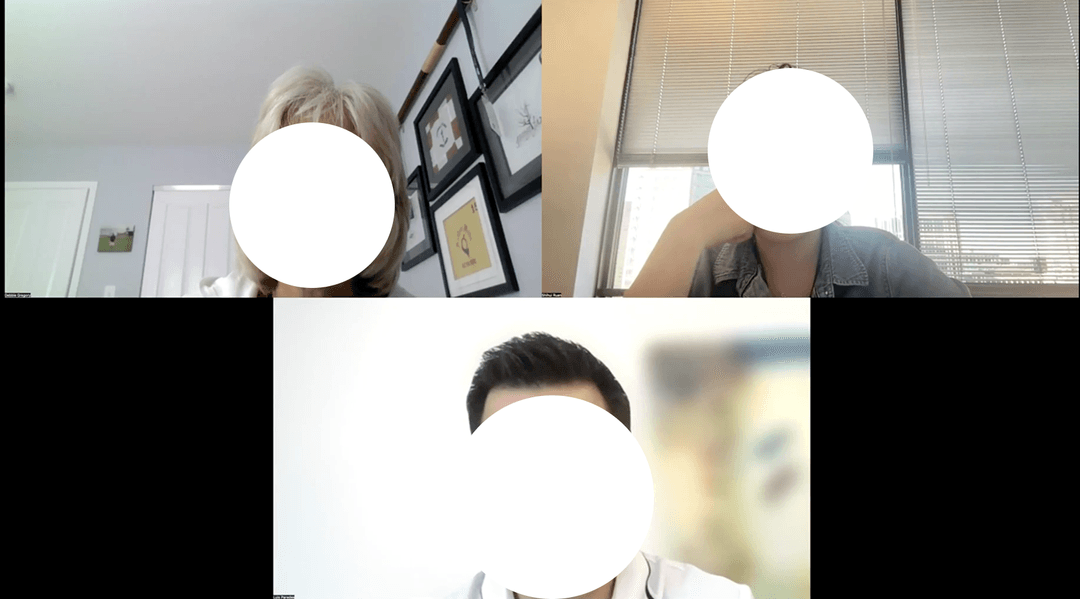
Across full-day shadowing at 6+ hospitals and interviews with physicians, nurses, and hospital IT, the device rarely failed on accuracy. It failed on fit. It asked for data entry before an urgent patient could be scanned, it handed physicians a prediction with no explanation, and it was used by staff who turn over often and start with minimal training. Each decision below traces back to something seen there.
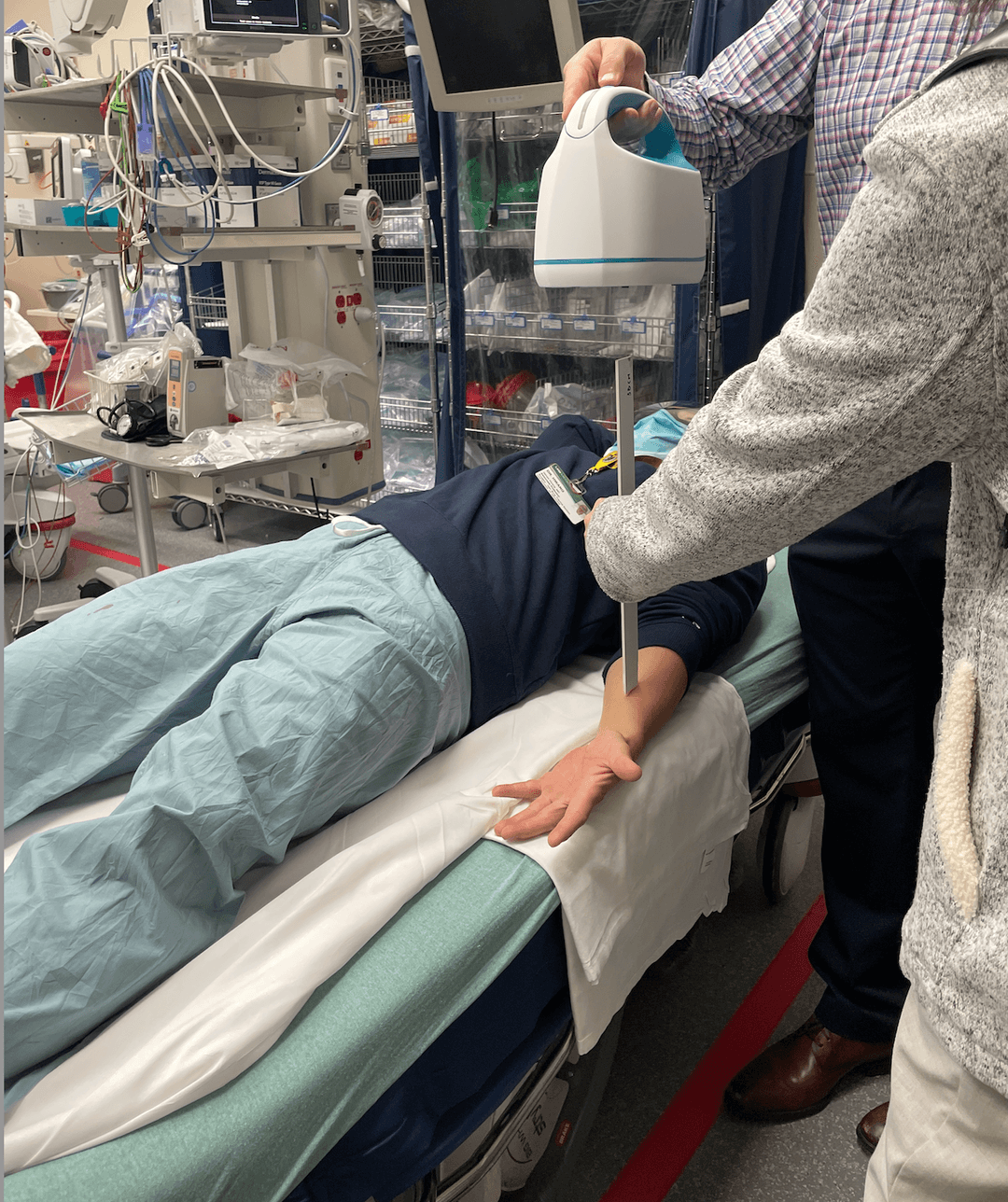
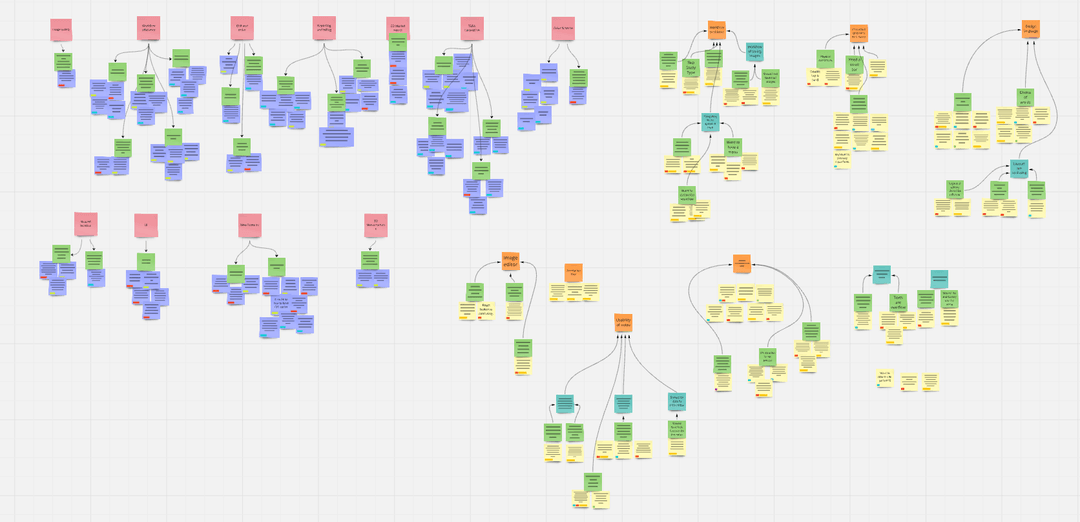
Research details Sites, conferences, affinity map
Beyond hospital visits, we attended AAEM, ABA, SRBC, and EMS conferences to understand the broader market.
Decision 01
Scan first, register later, without scanning the wrong patient
What I decided
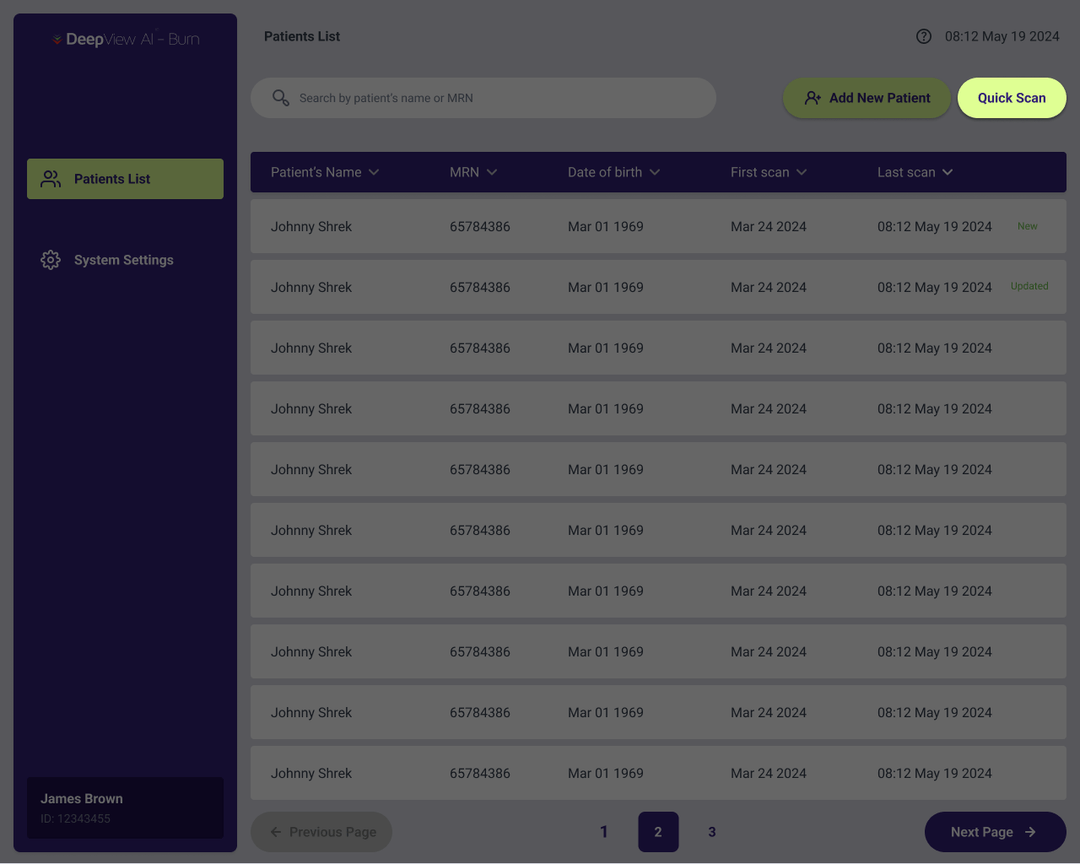
Let clinicians start a scan with one tap and attach patient details afterward, instead of completing a 7-step registration before the first image.
Why
Mapping the burn workflow end to end showed that data entry was the biggest blocker when a patient arrived urgently. Clinicians put it plainly: “Time is precious in hospitals. Repeated data entry is the most frustrating part of this whole process.” And for a mass-casualty surge: “I need to grab the device and scan immediately. Registration can wait.”
The trade-off
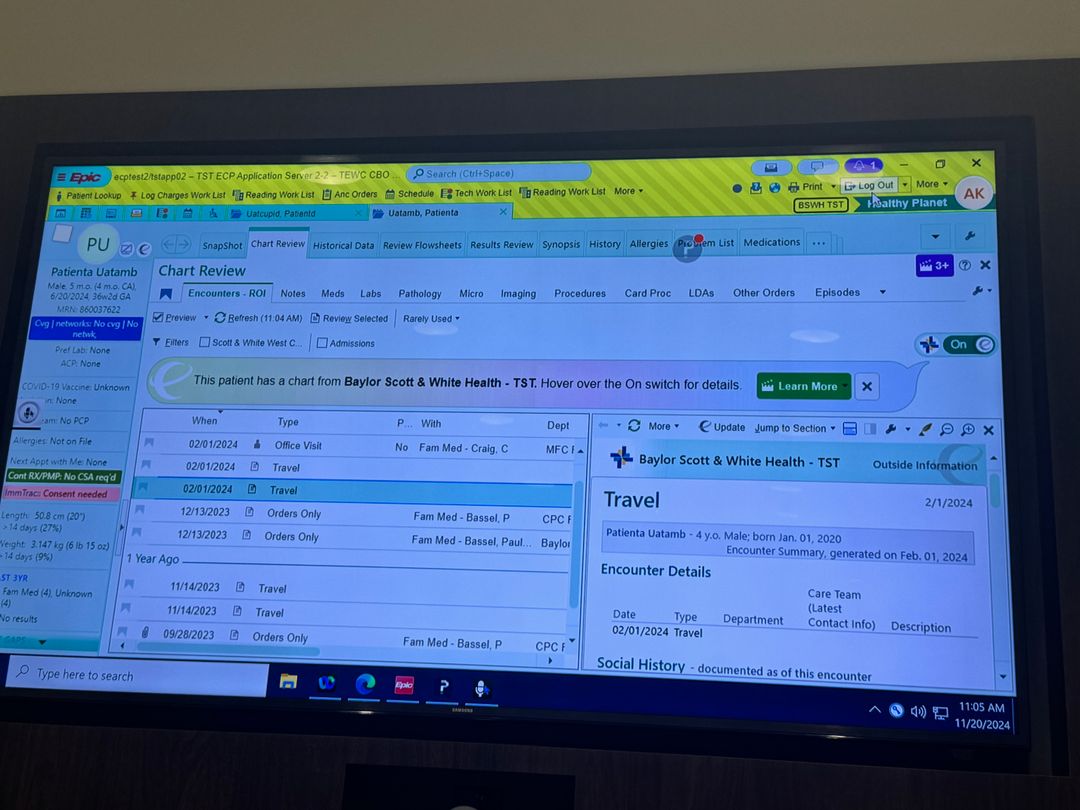
An unregistered scan is a scan that can end up on the wrong patient’s record, and EHR auto-pull adds a second way to get there: an automatic match that matches the wrong person.
We considered several approaches, such as pre-assigning a default ID. I chose full deferral, with a required match confirmation before a report can be saved or sent to the EHR, because it protects both speed and record integrity. For routine cases, auto-pull removes duplicate entry instead: the patient’s EHR profile is matched and merged, not retyped.
Evidence
In urgent cases, starting a scan went from 7+ steps to a single tap, and from 3 minutes to under 60 seconds.
Result
Shipped: Quick Scan sits next to Add New Patient on the patient list, and EHR auto-pull handles routine registration.

Decision 02
Decide what the AI explains, and what it doesn’t
What I decided
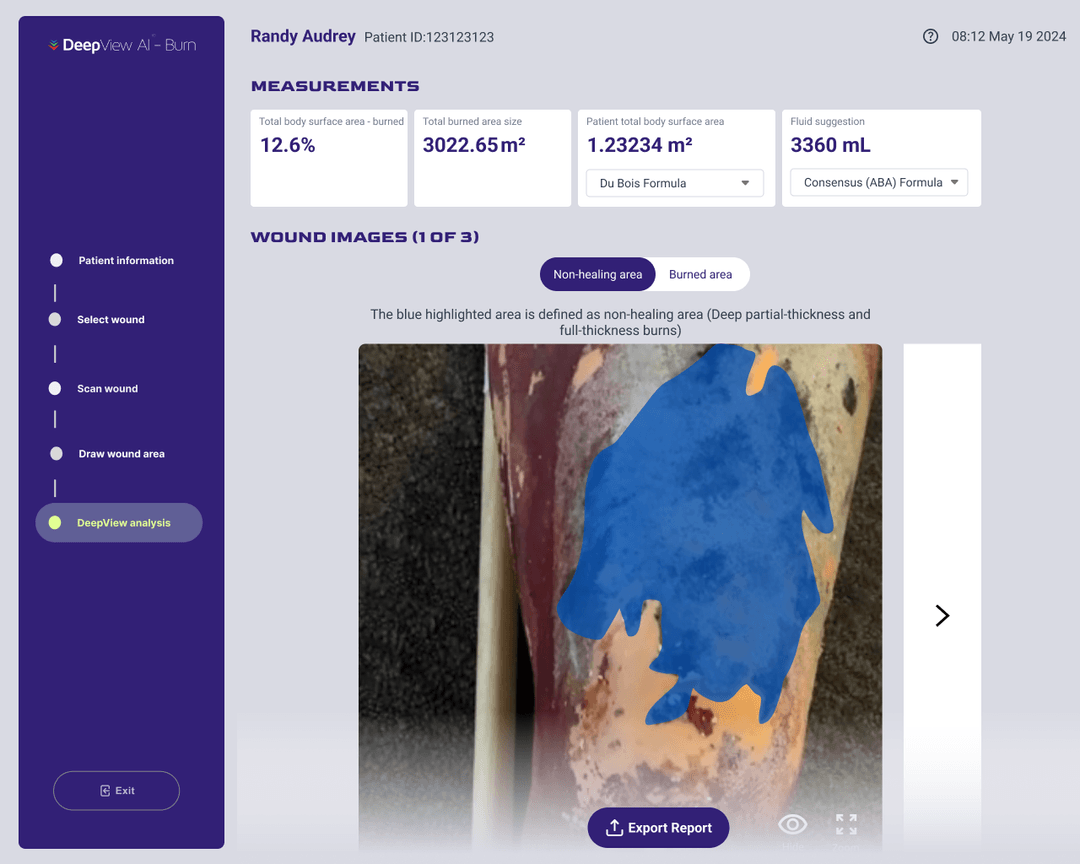
Rebuild the report so each view answers one question: one wound image, one overlay, and one plain-language sentence saying what the color means. Supporting numbers sit in a single row above, each naming the formula it came from.
Why
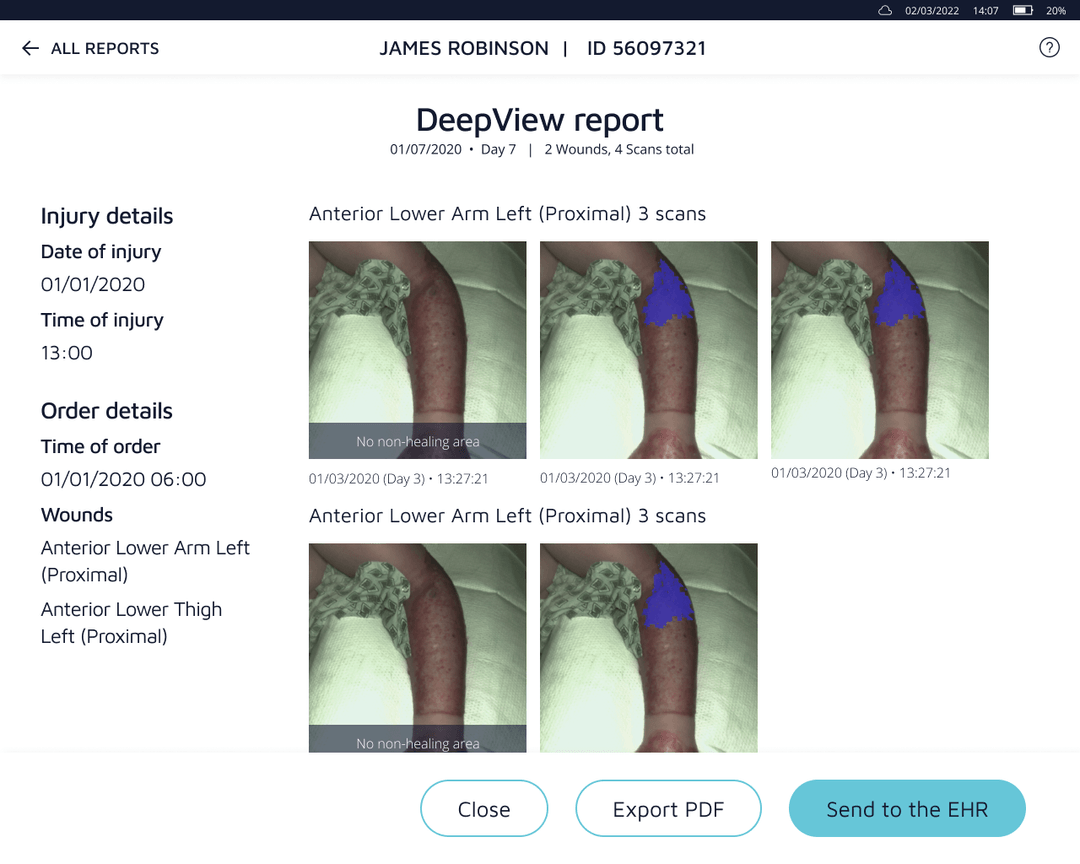
Physicians wouldn’t act on a prediction they couldn’t read: “I don’t understand what the AI is telling me, so I can’t trust it, even if it’s right.” The old report laid every scan out in a grid, with the AI’s markup and nothing saying what the markup meant.
The trade-off
- More on the report, less on the screen. The new report carries more than the old one: burned-area and non-healing overlays, TBSA, and a fluid suggestion. It stays readable because less is on screen at once. The two overlays share one toggle instead of stacking, wounds page one at a time instead of sitting in a grid, and the numbers live in one row instead of spreading through the report.
- The AI predicts; the formula suggests. A fluid volume is clinical decision support, so the boundary was deliberate. The AI’s output is the healing prediction. The fluid number is labeled a suggestion, computed from a published formula the screen names (Consensus / ABA), and the clinician can switch formulas.
Evidence
A nurse in formative testing: “The device helps us focus on critical cases faster while simplifying communication with families.”
Result
Shipped: one overlay at a time with a one-line definition, measurements in one row with their formulas named. The same rule reached capture, with real-time scan instructions for new staff.
Decision 03
Make “nothing found” look like an answer, not a failure
What I decided
Redesign the clean-result state so it reads as a finished analysis, not a missing one, with an explicit “No non-healing area detected” indicator.
Why
1 in 5 users read an empty result as a system error. In the old report, a wound where the AI found no non-healing area showed an unmarked photo with a small caption, which to a busy clinician looks the same as a scan that never processed. An AI that’s doubted when it says “nothing” is harder to believe when it says “something.”
The trade-off
The risk runs both ways. Too quiet, and a clean result looks broken. Too reassuring, and it reads as “no burn” or “this will heal,” a claim the device isn’t cleared to make. We considered a confidence score, a larger caption, and a green “healing” badge. We chose a “No non-healing area detected” indicator because it states exactly what the AI predicts, non-healing areas, and stays within what FDA regulation allows: the device can’t tell a clinician a wound will heal. We dropped the confidence score because it added cognitive load instead of trust.
Evidence
After the redesign, 0 of 15 participants read a clean result as an error.
Result
Shipped in the redesigned report. The lesson carried into every AI state after it: an empty result has to show that the AI looked.
Enabler
A design system, so the three decisions shipped the same way everywhere
Not a user-facing decision, but it made the ones above hold across products. I built one Figma component library, with color tokens, type scale, spacing, and iconography, shared by 2 platforms and 4 product lines, with WCAG 2.1 accessibility built in at the component level.
Outcome
Cleared, funded, deployed
FDA
De Novo clearance granted, on the human factors package I authored
Contract
Initial government contract fulfilled; R&D extended through 2028
Deployment
41 hospitals across the US, UK, and Australia
The usability evidence behind it
78% → 100%
Task pass rate, first round of usability testing to last
0
Use errors in the final round
15
Real users in summative validation: passed
12
Participants in formative testing
The color map is readable for color-blind and older users, and WCAG 2.1 compliant at the component level.
Methodology Formative, summative, and the human factors package
- Formative
- 12 participants (5 online, 7 in person) working through an interactive Figma prototype in realistic scenarios. Findings clustered into three areas: EHR data, real-time instruction, and AI interpretation. I led the sessions and the iteration that followed.
- Summative
- 15 real users in a hospital setting, to demonstrate ease of use. Colleagues ran the sessions against the protocol I wrote.
- HF package
- IFU (Instructions for Use); formative and summative test protocols and reports; URRA (Use-Related Risk Analysis) and risk analysis; HF validation report. Reviewed by a 60601 test lab and the FDA.
- Result
- FDA De Novo clearance.
Prototype
See it in action
Part of the prototype is presented here for demo purposes. Due to the complexity and confidentiality of this project, only selected flows are shown.
Prototype coming soon
Only select flows are shared due to project confidentiality